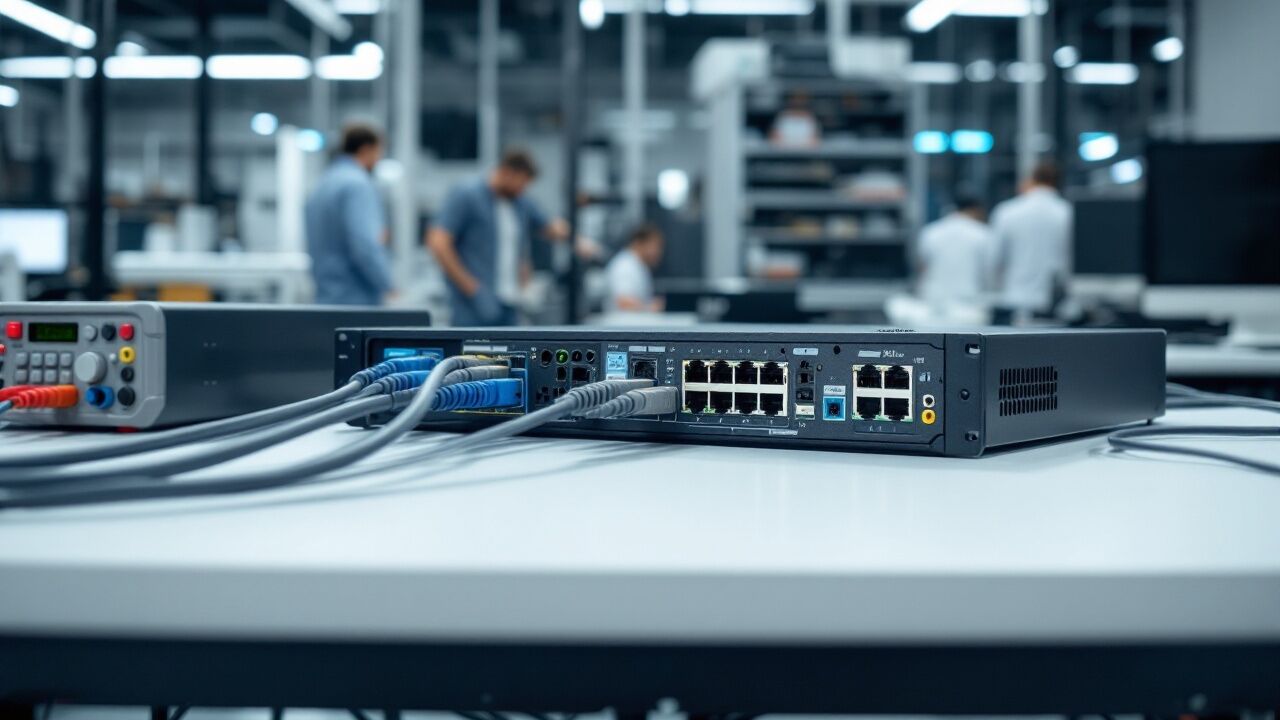

The MX204 and the MX304 sit at the compact end of Juniper's MX Series. Buyers compare them because both fit where an MX480 or MX960 would be more router than the site needs. They are not two sizes of one box. The MX204 is a fixed 1U router you rack and leave alone. The MX304 is a 2U modular chassis whose capacity depends on how many line card modules (LMICs) it carries. Every specification below comes from Juniper's own documents, listed under Sources at the end.
The short answer
Choose the MX204 when 400 Gbps of capacity, four rate-selectable 100GbE or 40GbE ports and eight 10GbE ports cover the site, and one routing engine is acceptable. Choose the MX304 when you need 400GbE ports, more than 400 Gbps, or two routing engines. The MX204 has no line card slots, so the only way from one to the other is to replace the router.
Specifications side by side
| MX204 | MX304 | |
|---|---|---|
| System capacity | 400 Gbps | 4.8 Tbps with three LMICs |
| Form factor | Fixed, 1U (1.75 in high) | Modular, 2U (3.5 in high) |
| Ports | 4 rate-selectable ports (100GbE, 40GbE, or 4x10GbE with a breakout cable) plus 8 x 10GbE SFP+ | Set by the LMICs: each MX304-LMIC16-BASE has 16 ports at 100GbE, with 400GbE on ports 0, 6, 8 and 14 |
| Most ports per chassis | 4 x 100GbE | 48 x 100GbE, or 12 x 400GbE |
| Routing engines | One, built in | MX304-BASE: one engine and three module slots. MX304-PREM: two engines (1+1) and two module slots |
| Power supplies | Two, 1+1 (JPSU-650W-AC-AO or JPSU-650W-DC-AFO) | Two, 1+1 (JNP-PWR2200-AC, -DC or -HV) |
| Power input | 100 to 240 V AC, or -40 to -72 V DC | 100 to 240 V AC, -48 V DC, or high voltage AC (180 to 305 V) and DC (190 to 410 V) |
| Cooling | Three fan modules, front to back | Three fan modules, front to back |
| Power draw | 240 W typical, 280 W maximum | 1,033 W to 1,820 W for the chassis, by configuration and temperature |
| Power per Gb of throughput | 0.9 W | 0.3 W |
| Depth and weight | 18.7 in, up to 23.15 lb | 24 in, up to 66.1 lb with two routing engines |
| Operating temperature (Celsius) | 0 to 55 | 0 to 46 at sea level |
| Software | Junos OS | Junos OS |
The MX204: a fixed 1U edge router
The MX204 puts the Junos Trio chipset in one rack unit. Four rate-selectable ports take QSFP28 or QSFP+ optics and run as 100GbE or 40GbE, or each splits into four 10GbE ports with a breakout cable. Eight more ports take SFP+ optics at 10GbE. Juniper names high-speed transport, VPN services, broadband multiplay services and data center interconnect as the jobs it was built for.
What it does not have is a second routing engine or any way to add ports. Power and cooling are redundant, with two power supplies and three fan modules. The control plane is not. A site that cannot lose its router to one failure needs a second router.
Choose the MX204 when:
- four 100GbE uplinks and eight 10GbE ports cover the site;
- 400 Gbps of total capacity is enough for the next few years;
- rack space and power are tight, at 1U, 18.7 in deep and 240 W typical;
- a single routing engine is acceptable, or you will run two routers.
The MX304: a 2U modular chassis
The MX304 takes line card modules called LMICs. Each MX304-LMIC16-BASE gives 1.6 Tbps of forwarding capacity on a single ASIC, with 16 ports of 100GbE. Four of those ports, numbered 0, 6, 8 and 14, can run at 400GbE instead, and MACsec is supported on all 16. Juniper's hardware compatibility tool lists the transceivers each port speed accepts.
Juniper sells the chassis in two shapes. The MX304-BASE carries one routing engine and has three module slots, which is the 4.8 Tbps build. The MX304-PREM carries two routing engines and has two module slots, which is the build to choose when a routing engine failure cannot take the router down. Juniper's power tables list the two engine, two LMIC build as a 3.2 Tbps system. LMICs are separate parts.
Choose the MX304 when:
- you need 400GbE ports, which the MX204 cannot provide;
- traffic will outgrow 400 Gbps;
- routing engine redundancy is a requirement;
- you want to add capacity later by adding an LMIC rather than replacing the router.
What to check before you buy either one
- What is in the box. Read the listing title: it says how many routing engines, fan trays or modules the unit holds. An MX304 chassis needs LMICs to have data ports.
- Power input. AC, DC and high voltage supplies are different parts. An MX304 AC supply delivers 1,100 W on 100 to 120 V input and 2,200 W on 200 to 240 V, so the circuit decides what the chassis can carry.
- Optics. Transceivers are sold separately. The MX204 takes QSFP28 or QSFP+ in its four large ports and SFP+ in its eight small ones. For the MX304, check Juniper's compatibility tool for the optic that matches each port speed.
- Software. Both run Junos OS. Ask which release the unit carries and what licence comes with it before you plan features around it.
- Rack and airflow. Both move air front to back. The MX304 is 24 in deep and weighs up to 66.1 lb, so check the rail depth. The airflow letters in part numbers are explained in airflow suffixes.
Lifecycle: what the dates mean
Juniper announced end of life for the MX204-HW-BASE on June 15, 2026. The last order date is June 15, 2027 and end of support is June 30, 2032. The older MX204-IR and MX204-R part numbers closed earlier, with a last order date of September 30, 2021, and are supported to June 15, 2032. So the MX204 has years of supported life left, and what ends first is the ability to order a new one from Juniper. After that, a matching unit comes from used, refurbished or open box stock. The dates are in Juniper MX204 End of Life.
Our lifecycle records hold no end-of-life notice for the MX304. Check Juniper's lifecycle page for the exact part number before you buy.
Where to look
Townsend lists both families. See the MX204 range and the MX304 range, and the Juniper brand guide for the rest of the line. In stock now: the MX204-HW-BASE router, the MX304-BASE base chassis, the MX304-PREM chassis bundle and the MX304-LMIC16-BASE line card. Each page states its condition and what ships. For a different part number, or a quantity, request a quote, and to move a router you are retiring, send us the list.
Sources
- MX204 specifications, Juniper
- MX204 router overview, Juniper
- MX204 chassis and MX204 power planning, Juniper
- MX204, MX240, MX480 and MX960 data sheet, Juniper
- MX304 specifications, Juniper
- MX304 system overview and MX304 power planning, Juniper
- MX304-LMIC16-BASE line card, Juniper
- MX304 hardware specifications, Juniper hardware compatibility tool
- MX304 data sheet, Juniper
- Juniper end of life notices, for notice TSB107750 and the dates above