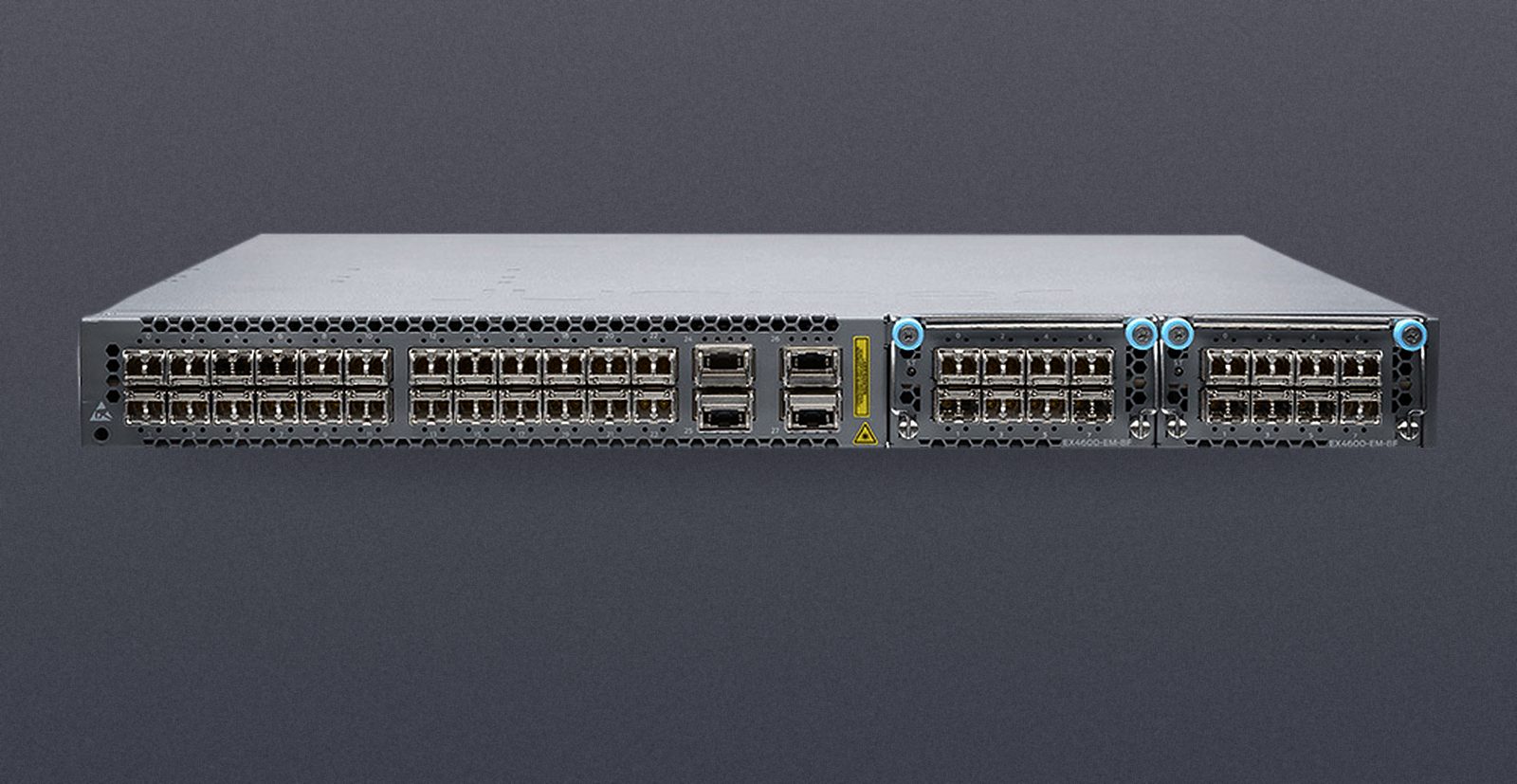
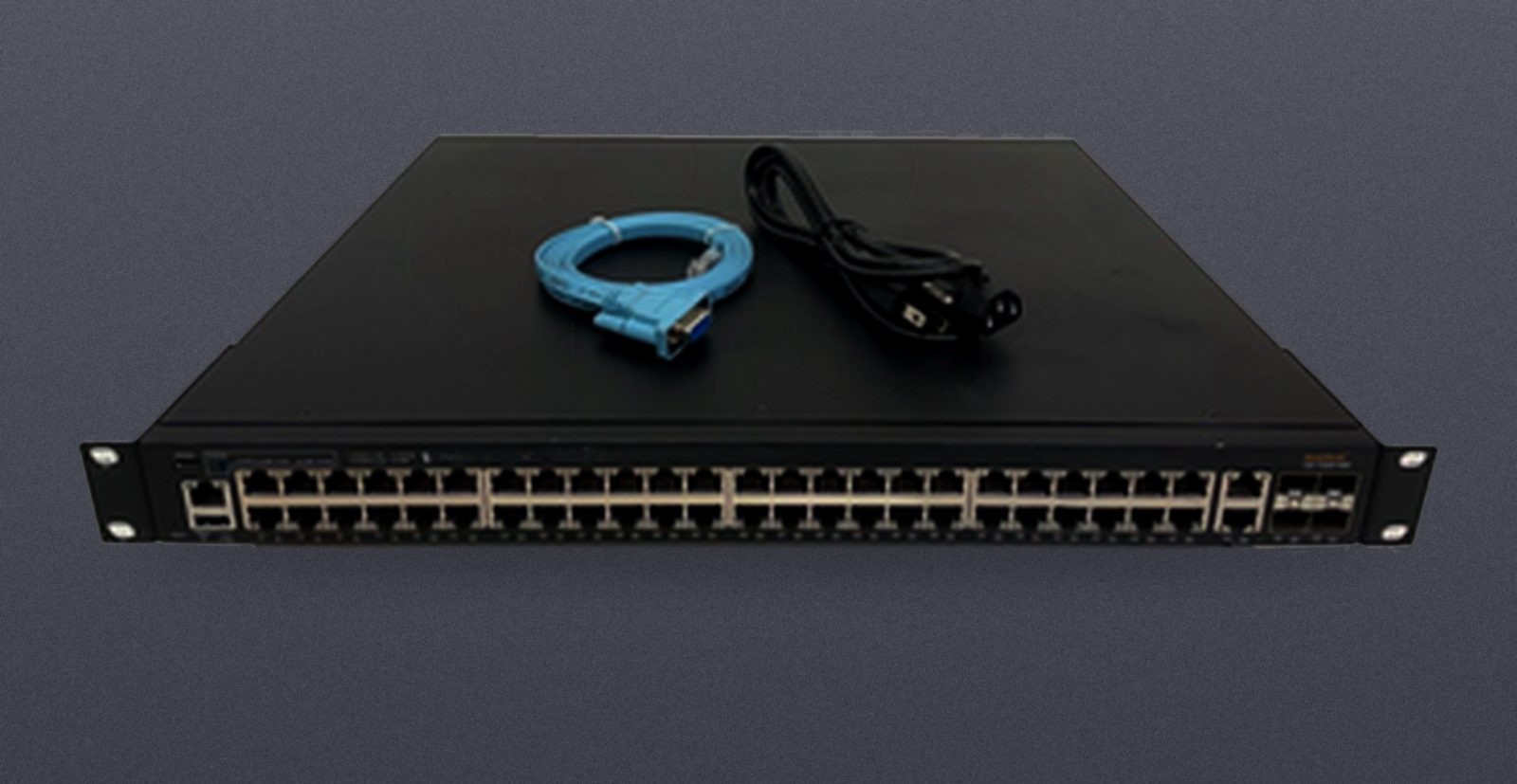
The ICX 7150 and ICX 7250 are 1U campus access switches from Ruckus, the line Brocade built and sold before it moved to Ruckus, which is why both names appear on the same hardware. They overlap so much that buyers often pick on price alone and then find their uplinks run at 1 Gbps. The details below come from Ruckus's own documentation: the ICX 7150 technical specifications, the ICX 7250 technical specifications and the Ports on Demand licensing guide.
The models side by side
| Model | Access ports | Uplink / stacking ports | Notes |
|---|---|---|---|
| ICX 7150-24 | 24 x GbE | 4 x SFP+ | Fanless, no PoE |
| ICX 7150-24P | 24 x GbE PoE+ | 4 x SFP+ | PoE+ up to 30 W a port |
| ICX 7150-48 | 48 x GbE | 4 x SFP+ | Fanless, no PoE |
| ICX 7150-48P / 48PF | 48 x GbE PoE+ | 4 x SFP+ | 48PF has the larger power supply |
| ICX 7150-48ZP | 16 x 2.5G + 32 x GbE, up to 90 W a port | 8 x SFP+ | Two modular power supplies |
| ICX 7150-C12P | 12 x GbE PoE+ | 2 x SFP+ | Compact, fanless |
| ICX 7250-24 / 48 | 24 or 48 x GbE | 8 x SFP+ | |
| ICX 7250-24P / 48P | 24 or 48 x GbE PoE/PoE+ | 8 x SFP+ | |
| ICX 7250-24G | 24 x GbE | 4 x SFP (1 GbE only) | No 10GbE ports at all |
All are one rack unit. The ICX 7250 stacks up to 12 switches; the ICX 7150 also stacks through its SFP+ ports.
Choose the ICX 7150 when
- the closet is small or occupied: the 7150-24, 7150-48 and C12P have no fans;
- four 10GbE uplinks per switch are enough;
- you need multi-gigabit ports or 90 W PoE for Wi-Fi 6/6E access points: that is the 7150-48ZP.
Choose the ICX 7250 when
- you want eight 10GbE ports per switch, for more uplinks or a stack with uplinks to spare.
Avoid the ICX 7250-24G if you need 10GbE anywhere: its four SFP ports are 1 GbE only.
Reading the part number: how the uplinks were licensed
Both families use Ports on Demand (PoD) licensing. The SFP+ ports are physically 10GbE ports, but they run at 1 Gbps until a licence unlocks 10 Gbps. The suffix at the end of the part number records what was unlocked when the switch was sold:
- 4X1G: the four uplinks run at 1 Gbps; 10 Gbps needs a licence.
- 2X10G: two uplinks at 10 Gbps.
- 4X10GR: all four uplinks at 10 Gbps.
- 8X10G (ICX 7250): all eight uplinks at 10 Gbps.
On the ICX 7250 the rule is strict. By default all eight ports come up at 1 Gbps. A 2-port licence (ICX7250-2X10G-LIC-POD) unlocks the two default stacking ports; an 8-port licence (ICX7250-8X10G-LIC-POD) unlocks the remaining six, and it cannot be installed until the 2-port licence is in place. On the ICX 7150-48ZP, two of the eight ports run at 10 Gbps without any licence; the rest need one.
What this means when buying refurbished: a cheaper 4X1G or 2X10G unit is not a bargain if you need four or eight 10GbE uplinks. Compare the price of the unit with the 10G already unlocked against the cheaper one plus a licence, and confirm the licence is installed on the switch itself.
Before you buy
- Uplink licence. Match the suffix to the number of 10GbE ports you need, as above.
- PoE budget. Check the PoE budget on the listing for that exact model against your access points and phones; the 48PF and 48ZP carry larger power supplies than the 48P.
- Optics. Transceivers are usually sold separately: SFP+ for 10GbE, SFP for 1GbE.
- Stacking. Stacking uses the same SFP+ ports as uplinks, so every port used for stacking is one fewer uplink.
Where to look
Townsend stocks both lines, with the uplink licence in the part number of every listing: see the ICX 7150 range and the ICX 7250 range. For example, the ICX7150-48P-4X10GR has all four uplinks at 10 Gbps, and the ICX7250-48P-8X10G has all eight. Every unit is tested before it ships and carries a 3-year warranty. Not sure which part number you need? Send us the requirement and a technician will answer.